
Copy the command below to clone the repository to your machine.
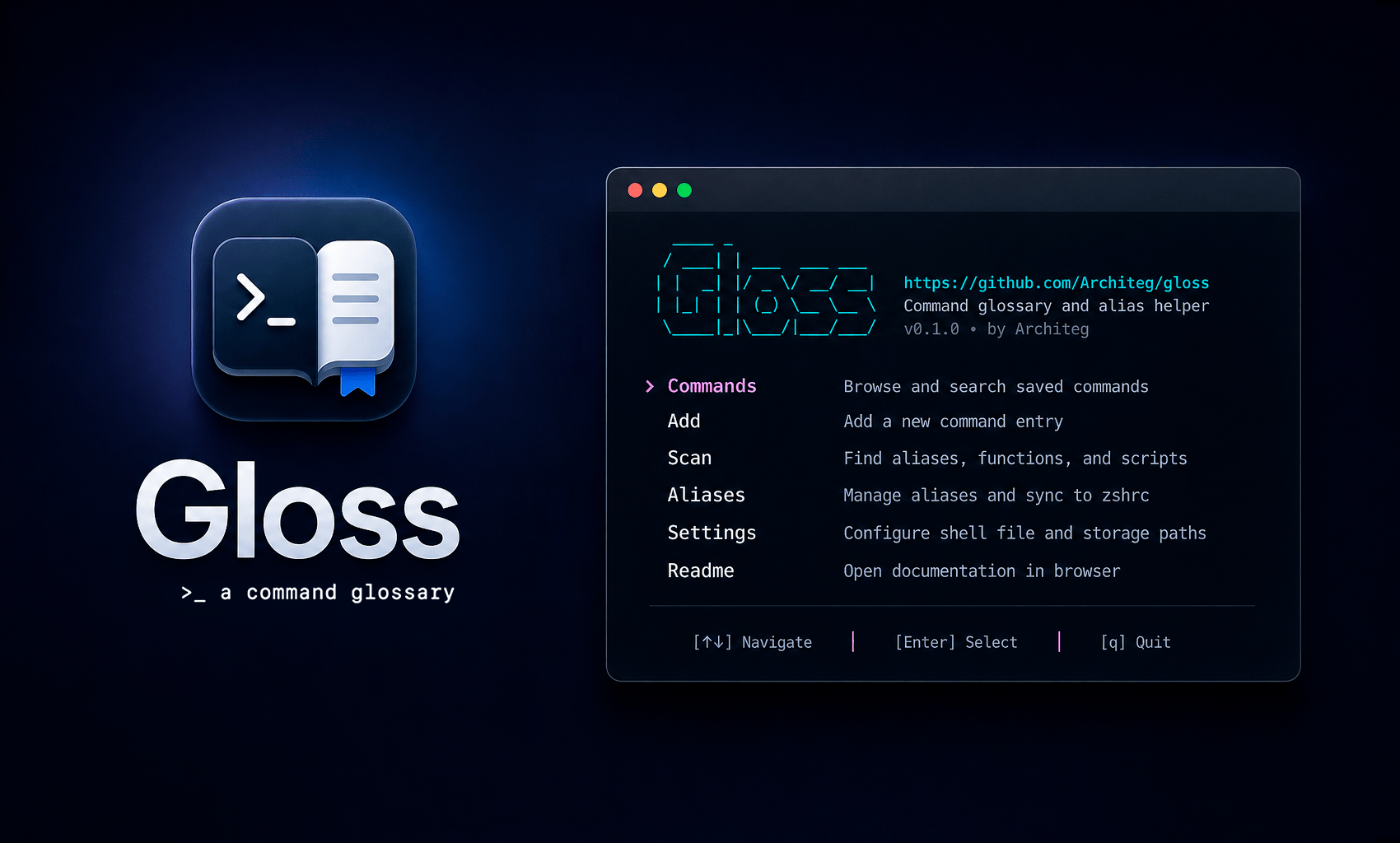
A local-first command glossary for your terminal.










Gloss keeps reusable shell commands organized, searchable, and ready when you need them.
I built it because I kept re-searching the same commands and spreading aliases across shell history, notes, and config files. Gloss gives those commands a small local home: descriptions, tags, TUI search, config scanning, and safe managed alias sync.
~/.config/gloss/Default shell files:
~/.zshrc~/.bashrc~/.bash_aliasesExisting config is never overwritten automatically. You can edit ~/.config/gloss/config.yaml if you want to change shell or scan paths.
curl -fsSL https://raw.githubusercontent.com/Architeg/gloss/main/scripts/install.sh | bash
By default, the script installs Gloss to:
~/.local/bin/gloss
If ~/.local/bin is not in your PATH, the installer prints the exact commands to add it.
Install a specific version:
curl -fsSL https://raw.githubusercontent.com/Architeg/gloss/main/scripts/install.sh -o /tmp/gloss-install.sh
VERSION=v0.1.0 bash /tmp/gloss-install.sh
brew install Architeg/tap/gloss
If Homebrew behaves unexpectedly, check this:
echo "$HOMEBREW_NO_INSTALL_FROM_API"
If it returns 1, unset it and retry:
unset HOMEBREW_NO_INSTALL_FROM_API
brew install Architeg/tap/gloss
You can also skip Homebrew auto-update during install:
HOMEBREW_NO_AUTO_UPDATE=1 brew install Architeg/tap/gloss
Download the correct asset from GitHub Releases.
Example for macOS Apple Silicon:
unzip gloss-darwin-arm64.zip
chmod +x gloss-darwin-arm64
sudo mv gloss-darwin-arm64 /usr/local/bin/gloss
gloss version
Launch the TUI:
gloss
Or use direct CLI commands:
gloss help
gloss version
gloss list
gloss list --tag git
gloss scan
gloss add
gloss edit <command>
gloss delete <command>
gloss alias add
gloss alias sync
gloss alias delete <name>
Main sections:
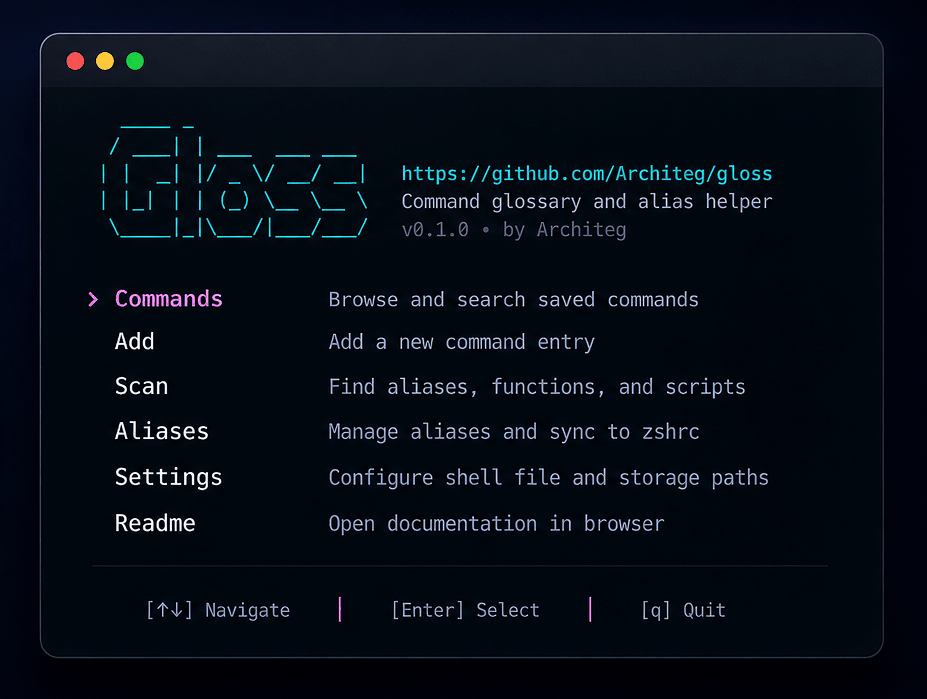
Common keys:
↑ / ↓ — moveEnter — open, select, or confirmEsc — go backq — quit/ — search where availableF — filter where availableSpace — toggle scan/import items where availableThe Commands screen is the main glossary browser.
You can:
Entries without tags are shown under Untagged.
───────────────────────────── Commands ─────────────────────────────

Search:   > substring in command or description
Tag:      > exact tag


› Category: Git
───────────────────────

  gs                    git status
  ga                    git add .
  gc                    git commit -m
  gp                    git push


› Category: Tools
───────────────────────

  nano                  Open nano editor
  serve                 Start a local static file server
  updatebrew            brew update && brew upgrade


› Category: Network
───────────────────────

  headers               curl -I
  pingg                 ping github.com
  myip                  curl ifconfig.me
  dns                   dig
  speed                 networkQuality


/ Search │ F Filter │ E Edit │ D Delete │ A Add │ ↑↓ Move │ Enter Open │ Esc Back │ Q Quit
Gloss can detect:
~/.zshrc~/.bashrc and ~/.bash_aliasesScan suggestions are selected by default. Use the TUI Scan screen to toggle and import only the entries you want.
Imported scan entries are intentionally added without tags by default. This keeps bulk import fast; you can tag entries later.
Gloss treats managed aliases as normal glossary entries with extra sync behavior.
Add a managed alias:
gloss alias add
Preview and sync from the TUI, or sync directly:
gloss alias sync
Gloss writes aliases only inside this managed block:
# >>> gloss aliases >>>
alias gs="git status"
alias ll="ls -lah"
# <<< gloss aliases <<<
When syncing, Gloss will:
If the generated block already matches the shell file, Gloss does not rewrite the file and does not create a backup.
Delete a managed alias:
gloss alias delete <name>
Then sync again to remove it from the managed block.
Backups are created only when:
No backup is created when:
Backup names look like this:
~/.zshrc.gloss.bak-20260423-223500
~/.bashrc.gloss.bak-20260423-223500
Old Gloss-created backups are pruned automatically.
Gloss stores config and data under:
~/.config/gloss/
Typical files:
~/.config/gloss/config.yaml
~/.config/gloss/gloss.db
Example macOS/zsh config:
shell_file: /Users/yourname/.zshrc
storage_path: /Users/yourname/.config/gloss
scan_paths:
  - /Users/yourname/.zshrc
use_color: true
Example Linux/bash config:
shell_file: /home/yourname/.bashrc
storage_path: /home/yourname/.config/gloss
scan_paths:
  - /home/yourname/.bashrc
  - /home/yourname/.bash_aliases
use_color: true
Remove the binary:
rm -f "$HOME/.local/bin/gloss"
If installed system-wide:
sudo rm -f /usr/local/bin/gloss
If installed with Homebrew:
brew uninstall gloss
Optional: remove local data and config:
rm -rf "$HOME/.config/gloss"
Optional: remove the managed alias block from ~/.zshrc or ~/.bashrc:
# >>> gloss aliases >>>
# ...
# <<< gloss aliases <<<
If the install script added Gloss to your PATH, remove this block from your shell config:
# --- Path to Gloss ---
export PATH="$HOME/.local/bin:$PATH"
Gloss is not a shell replacement, history analyzer, package manager, AI command explainer, full shell plugin manager, or cloud sync product.
It is a small local utility for documenting, finding, importing, and safely syncing useful shell commands.
Clone the repo:
git clone https://github.com/Architeg/gloss.git
cd gloss
Run locally:
go run ./cmd/gloss
Build:
go build ./cmd/gloss
Check version:
go run ./cmd/gloss version
If Gloss saves you time or becomes part of your workflow, you can share it, give it a star, or support the project here:
Issues, suggestions, and small focused PRs are welcome.
Please keep changes simple, readable, and focused on the core workflow.
Thanks to everyone who contributes to Gloss. ❤️
See the contributors graph.
MIT. See LICENSE.



