
Turn any webpage into a desktop app with one command. Electrobun-powered wrappers for macOS, Windows, and Linux.
Copy the command below to clone the repository to your machine.
English | 한국어
Turn any web app into an inspectable desktop app and DMG. No black box wrapper.
npx -y appbun@latest https://github.com --name "GitHub" --dmg
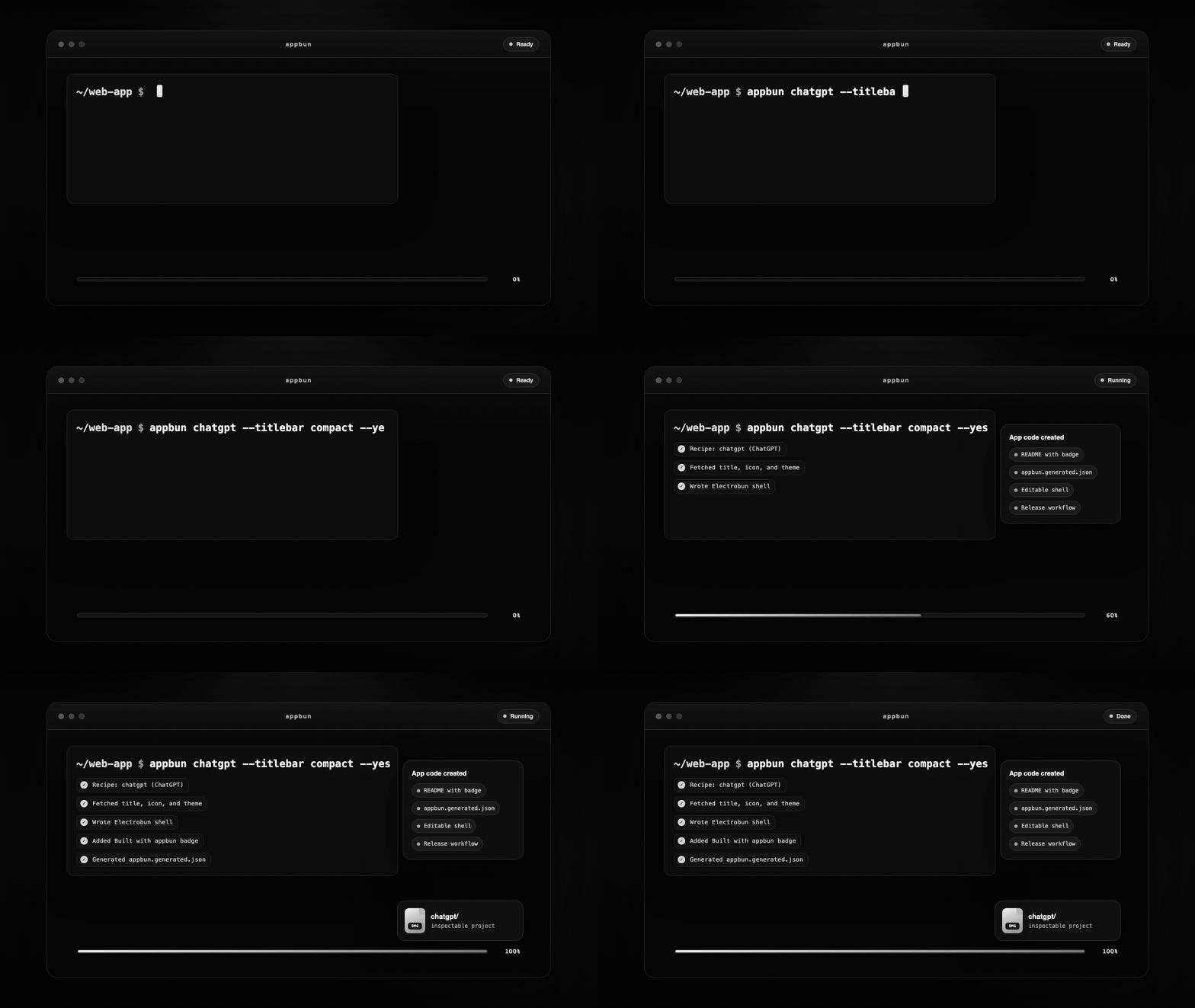
appbun does not give you a mystery binary. It generates an inspectable Electrobun project with source code, icons, native-runner build scripts, macOS DMG packaging, and agent-friendly instructions.
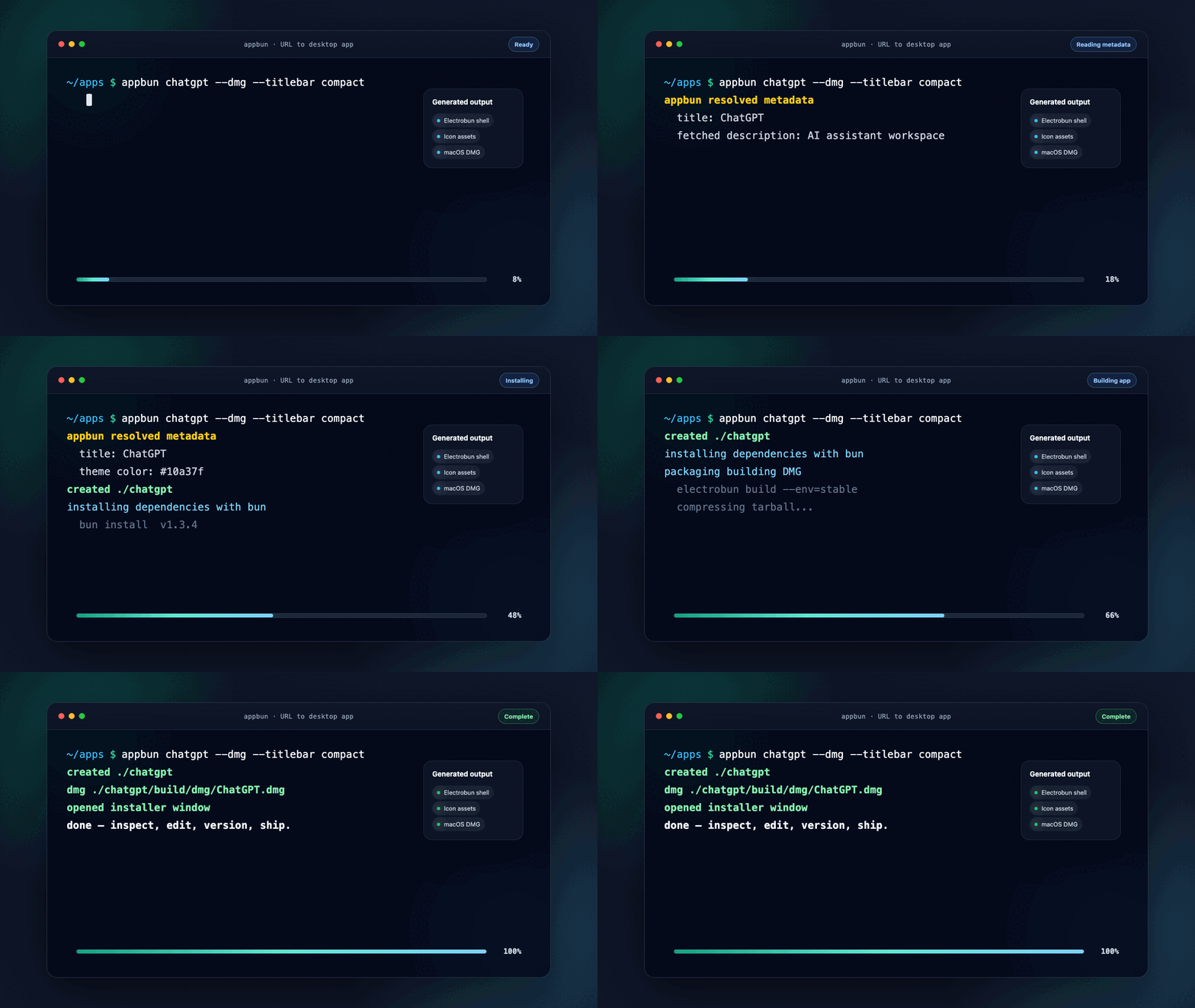
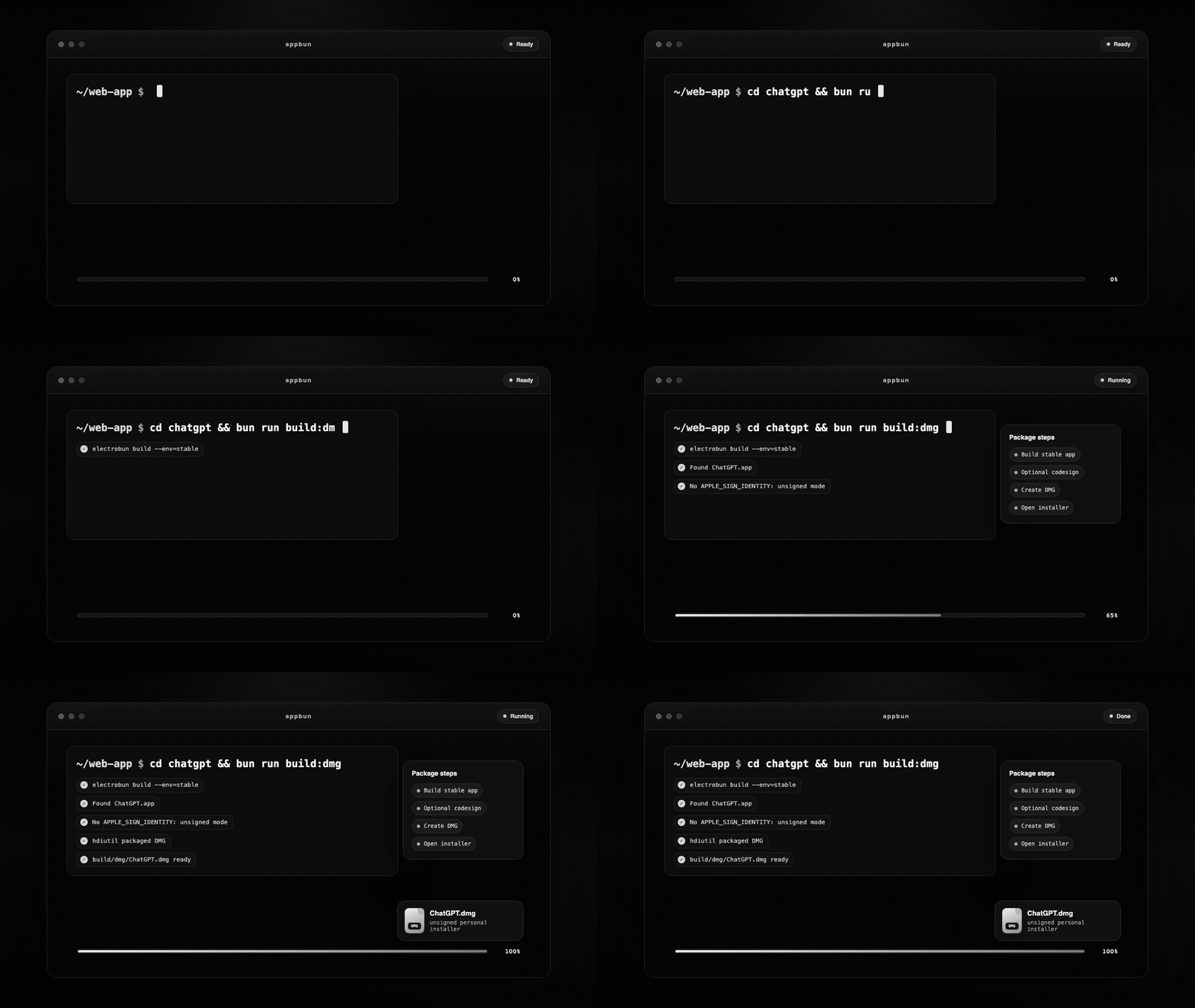
Reusable launch clips:
| URL → app code | App code → DMG | Agent workflow |
|---|---|---|
 |
 |
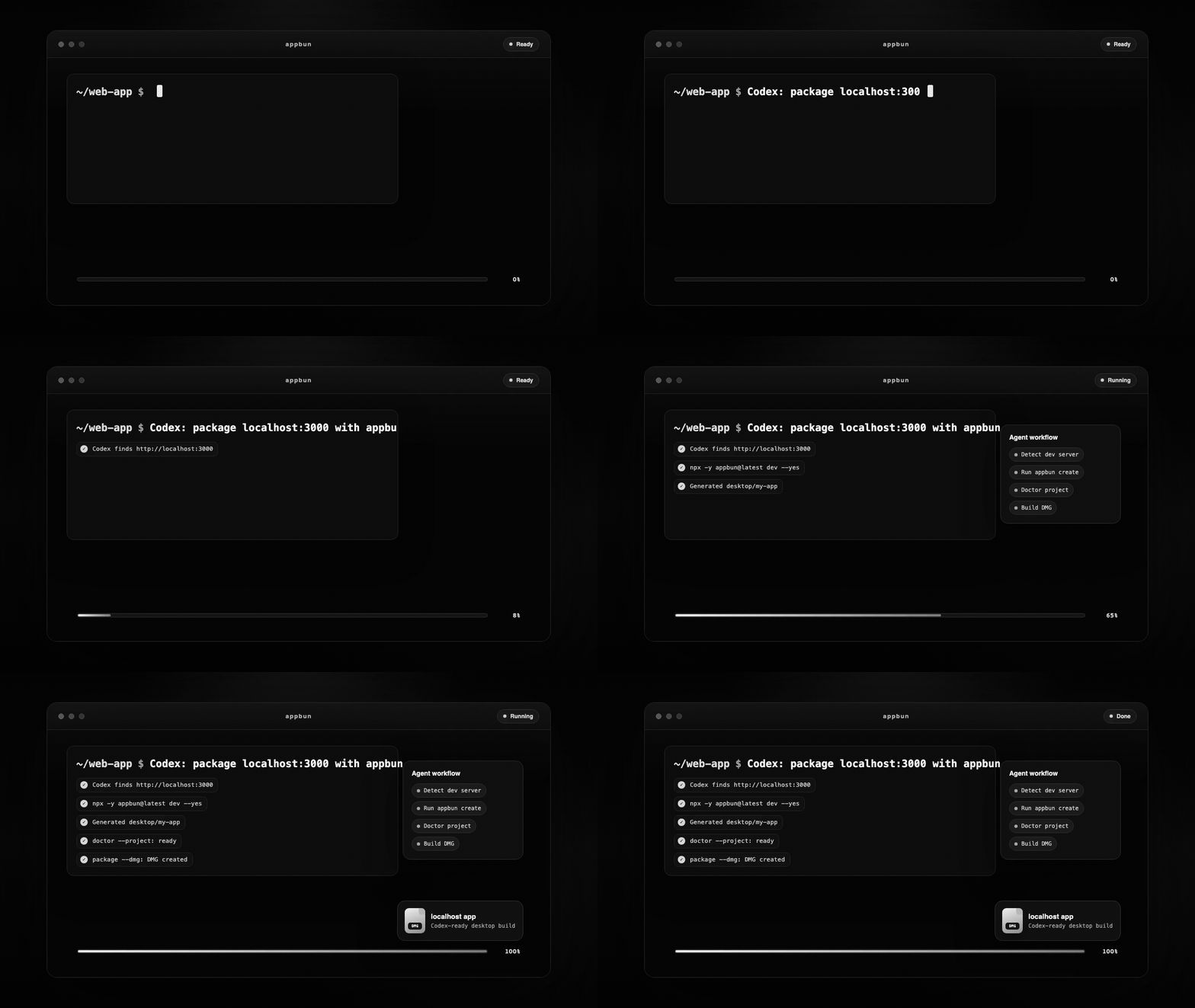 |
Codex can turn your localhost app into a DMG:
Use appbun to package my running web app at http://localhost:3000 as an inspectable desktop app.
Create it in ./desktop/my-app, run the generated project doctor, install dependencies, and build a macOS DMG if this machine supports it.
Want the agent to use native tools instead of guessing?
npx -y appbun@latest skill --install
npx -y appbun@latest skill --install-claude --cwd .
npx -y appbun@latest mcp
| Need | Command | Result |
|---|---|---|
| Package a public site | appbun https://example.com --name Example |
Editable desktop wrapper project |
| Package your local frontend | appbun dev --name "My App" |
Auto-detects common localhost ports |
| Generate and package in one go | appbun https://example.com --name Example --dmg |
Project plus unsigned macOS DMG |
| Wrap Chromium-sniffing sites | appbun youtube-music --browser-engine cef |
Bundled CEF/Chrome renderer for sites that reject native webviews |
| Make a personal macOS installer | appbun package --dmg |
Unsigned local DMG from inside a generated project |
| Prepare signed distribution | appbun package --dmg --sign |
Requires APPLE_SIGN_IDENTITY |
| Prepare notarized distribution | appbun package --notarize |
Uses Apple notary env vars |
| Let an agent do it | appbun skill --install-claude --cwd . |
Claude Code guide in your repo |
| Drive it from any AI agent | appbun mcp |
MCP server exposing create/recipes/discover |
| Feature it in your README | appbun badge <url> |
"Get the desktop app" markdown badge |
| Make a share card | appbun showcase chatgpt |
Markdown preview for README, releases, and socials |
Not every user wants a terminal. appbun meets people where they are:
.dmg and posts a download link. No local install.npx -y appbun@latest <url> --name "My App" --dmg.Downloads from the gallery and online builder are unsigned: on first launch, open System Settings → Privacy & Security → Open Anyway.
Package a running local app:
cd your-web-app
npm run dev
npx -y appbun@latest dev --name "My App" --out-dir ../appbun-output/my-app --yes
cd ../appbun-output/my-app
npx -y appbun@latest doctor --project
npx -y appbun@latest package --install
On macOS, make a DMG:
npx -y appbun@latest package --dmg
The generated project remains normal code. Open it, edit the shell, commit it, run it in CI, or hand it to another developer.
This path is smoke-tested against appbun@latest: scaffold a public URL, inspect appbun.generated.json, install dependencies, build the Electrobun app, and create an unsigned macOS DMG.
Most URL-to-app tools optimize for the shortest demo. appbun optimizes for the next day too.
CLAUDE.md, and paste-ready prompts.doctor checks both your environment and generated projects.bun add -g appbun
npm install -g appbun
Or skip installation:
npx -y appbun@latest chatgpt --dmg
appbun prefers Bun when it is available. If Bun is missing, it can fall back to npm unless you force --package-manager.
appbun ships a Model Context Protocol server so any MCP-capable client (Claude Desktop, Cursor, Codex, …) can scaffold desktop apps directly. Add it to your client config:
{
  "mcpServers": {
    "appbun": { "command": "npx", "args": ["-y", "appbun@latest", "mcp"] }
  }
}
It exposes three tools: appbun_create (scaffold a project from a URL or recipe), appbun_recipes (list built-in apps), and appbun_discover (search by concept). Prefer a self-contained guide instead? appbun skill --install-claude --cwd . drops a CLAUDE.md into your repo.
appbun https://linear.app --name "Linear Desktop"
appbun chatgpt --dmg
appbun github --titlebar compact
appbun create https://calendar.google.com --name Calendar --width 1600 --height 1000
appbun youtube-music --browser-engine cef
appbun recipes
appbun recipes --concept music
appbun discover design
appbun discover gcal
appbun doctor
appbun doctor --target macos
appbun doctor --project
appbun doctor --project ../appbun-output/my-app --json
Run these inside a generated appbun project, or pass --cwd.
appbun package
appbun package --install
appbun package --dmg
appbun package --dmg --sign
appbun package --notarize
appbun badge https://example.com --name "Example"
appbun showcase chatgpt
Every generated README includes a Built with appbun badge and the exact command to rebuild that app. Use appbun badge <url> when you want a compact "Build this app" link, or appbun showcase <recipe|url> when you want a richer card with a screenshot, command, and online-builder link.
Local personal DMG:
appbun package --dmg
Signed DMG:
APPLE_SIGN_IDENTITY="Developer ID Application: Your Name (TEAMID)" \
appbun package --dmg --sign
Notarized DMG:
APPLE_SIGN_IDENTITY="Developer ID Application: Your Name (TEAMID)" \
APPLE_ID="[email protected]" \
APPLE_TEAM_ID="TEAMID" \
APPLE_APP_SPECIFIC_PASSWORD="xxxx-xxxx-xxxx-xxxx" \
appbun package --notarize
Unsigned DMGs are good for local personal use and internal checks. Public macOS distribution usually needs signing and notarization.
Install the Codex skill:
appbun skill --install
Use it in Codex:
$appbun-web-desktop package my local web app at http://localhost:3000 as a desktop app
Install Claude Code guidance into a repo:
appbun skill --install-claude --cwd .
That writes a focused CLAUDE.md so Claude naturally reaches for:
appbun devappbun doctor --projectappbun package --installappbun package --dmgNeed a one-off prompt for any agent?
appbun prompt http://localhost:3000 --name "My App"
Static prompt templates live in:
my-app/
├── .github/workflows/release.yml
├── assets/
├── icon.iconset/
├── scripts/
│   ├── build-platform.mjs
│   └── create-dmg.mjs
├── src/
│   ├── bun/index.ts
│   └── mainview/
│       ├── index.html
│       ├── index.css
│       └── index.ts
├── appbun.generated.json
├── electrobun.config.ts
├── package.json
└── tsconfig.json
The generated app includes:
appbun.generated.json| Preset | Best for | macOS behavior |
|---|---|---|
system |
strict native chrome | default system title bar |
unified |
balanced default | hidden inset traffic lights plus local toolbar |
compact |
content-heavy apps | shorter unified toolbar |
minimal |
distraction-free wrappers | lighter metadata and border treatment |
Windows and Linux currently use the standard native title bar.
Public no-login targets captured with Playwright:
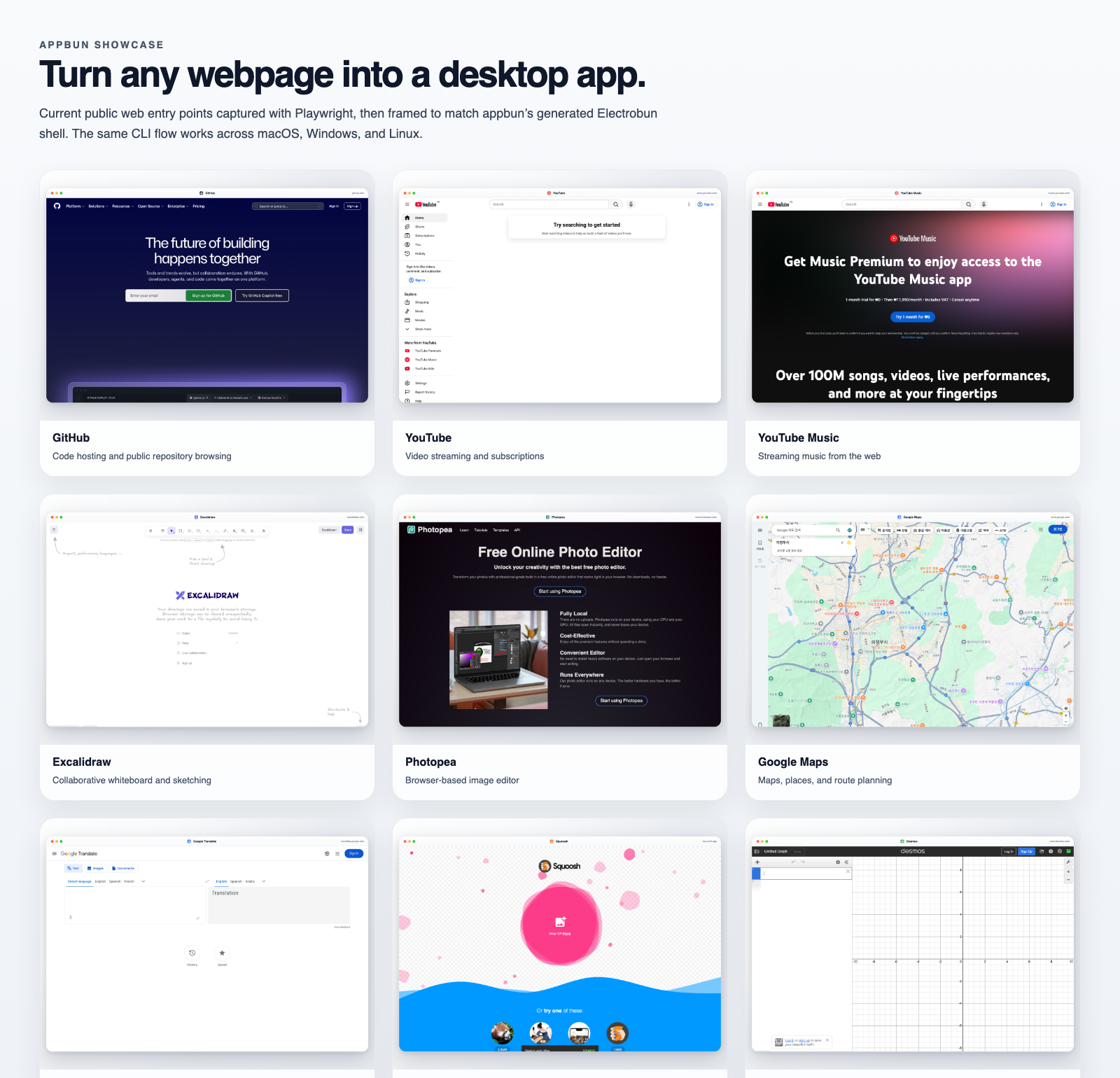
| App | Command |
|---|---|
| GitHub | appbun github --dmg |
| YouTube | appbun https://www.youtube.com --name "YouTube" --dmg |
| Excalidraw | appbun https://excalidraw.com --name "Excalidraw" --dmg |
| Photopea | appbun https://www.photopea.com --name "Photopea" --dmg |
| Squoosh | appbun https://squoosh.app --name "Squoosh" --dmg |
More examples: docs/showcase/README.md
Built something useful with appbun?
appbun showcase <url-or-recipe> and use the output in your repo or release notes.The community gallery workflow turns accepted submissions into a PR that updates docs/showcase/community-builds.json, then the gallery page renders it under Community builds.
Use npm:
appbun https://example.com --package-manager npm
Run:
appbun doctor --project
Some local Electrobun macOS builds can trigger a one-time launcher permission prompt.
Open.bun install
bun run check
bun run test
bun run build
npm pack --dry-run
Refresh showcase assets:
bunx playwright install chromium
bun run showcase:capture
Start with CONTRIBUTING.md and the Pake-grade goal.
High-value areas:





