
Repository: nguyenxuanhoa493/windows-plus-v-for-mac
Copy the command below to clone the repository to your machine.
English · Tiếng Việt · Changelog
CursorKit is a macOS menu-bar utility that keeps your most-used tools within cursor reach: clipboard history, copied files/images, JSON/Excel conversion, and 2FA OTP codes.
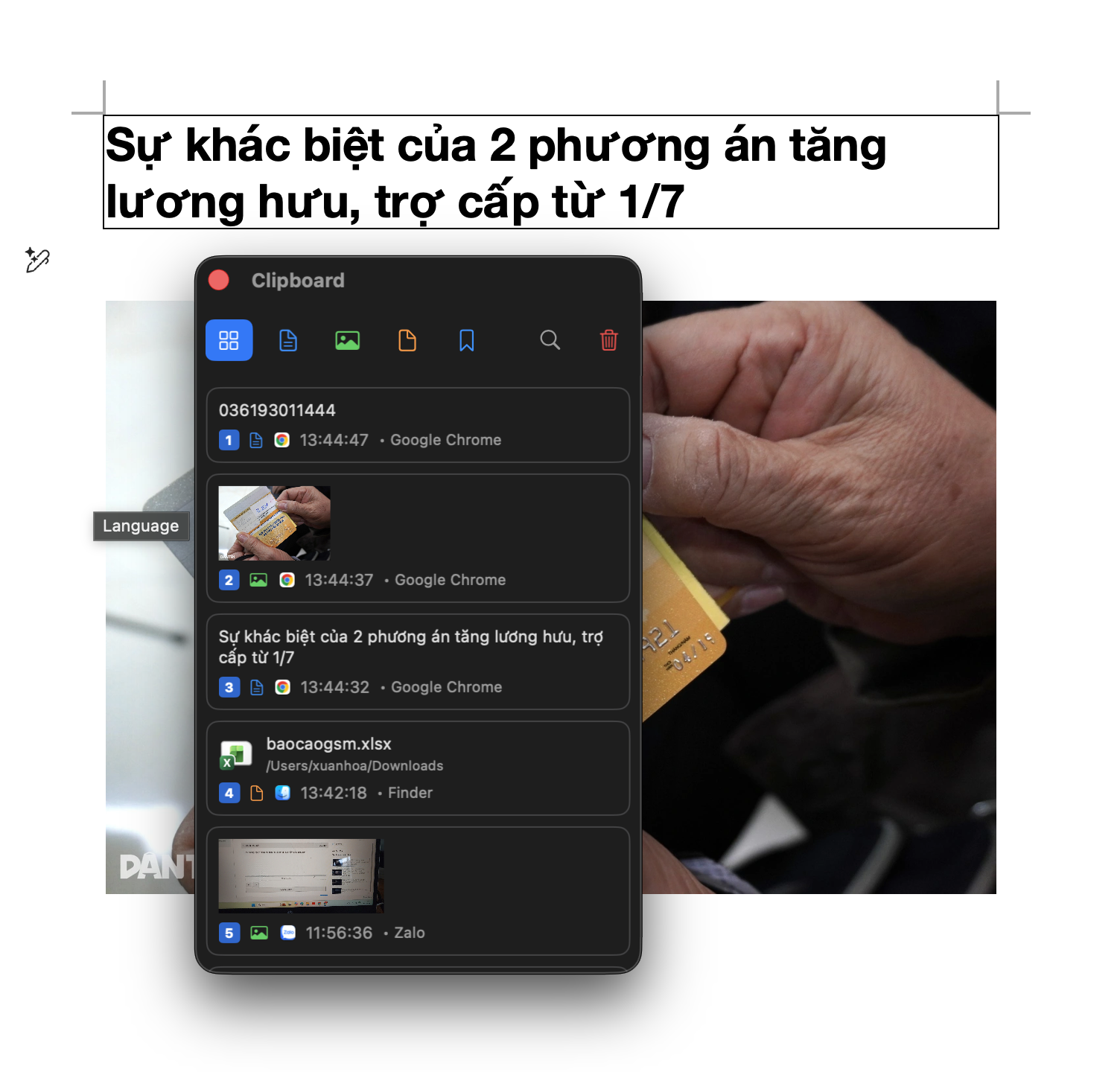
⌘1 to ⌘9 for quick paste..xlsx, convert tables back to JSON.Download CursorKit-4.0.dmg from Releases.
Open the DMG and drag CursorKit into Applications.
If macOS blocks the unsigned app, remove quarantine once:
xattr -cr /Applications/CursorKit.app
Launch CursorKit.
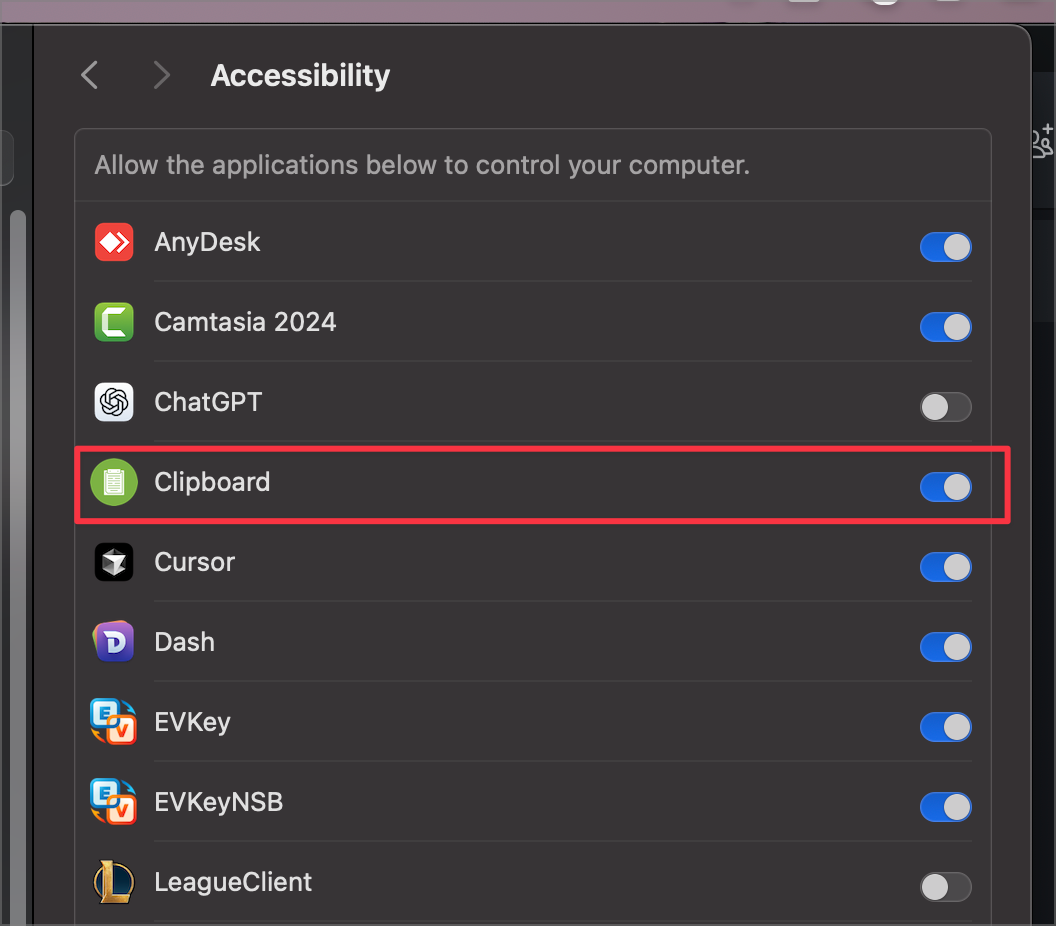
Grant Accessibility permission:
System Settings → Privacy & Security → Accessibility → CursorKit
Restart the app if macOS asks.
| Action | Shortcut / gesture |
|---|---|
| Open popup | ⌃V |
| Move selection | ↑ / ↓ |
| Paste selected item | Enter |
| Quick paste by number | ⌘1 to ⌘9 |
| Close popup | Esc |
| Search | Type while the popup is open |
| Item menu | Right-click an item |
| Drag out file/image | Drag an item into Finder or another app |
The main hotkey can be changed in Settings → General.
swift build
Create the universal ad-hoc signed app bundle:
./create_app.sh
Create release artifacts:
./build_all.sh
Main outputs:
CursorKit.appCursorKit-4.0.dmgCursorKit-binary.zipUseful README screenshots:
demo/main.png: CursorKit popup near the cursordemo/settings.png: Settings with popup position/theme controlsdemo/otp.png: unlocked OTP tabdemo/json-excel.png: JSON/table/Excel conversion flowdemo/permission.png: Accessibility permission guideIf CursorKit helps you, consider buying me a coffee.


